Reporting

A report that tells you if the numbers are trustworthy.

Every tool in TOWR feeds Reporting — stock, jobs, invoicing. View any report, export it to CSV, and the watchdog tells you if a scheduled job silently didn't run.

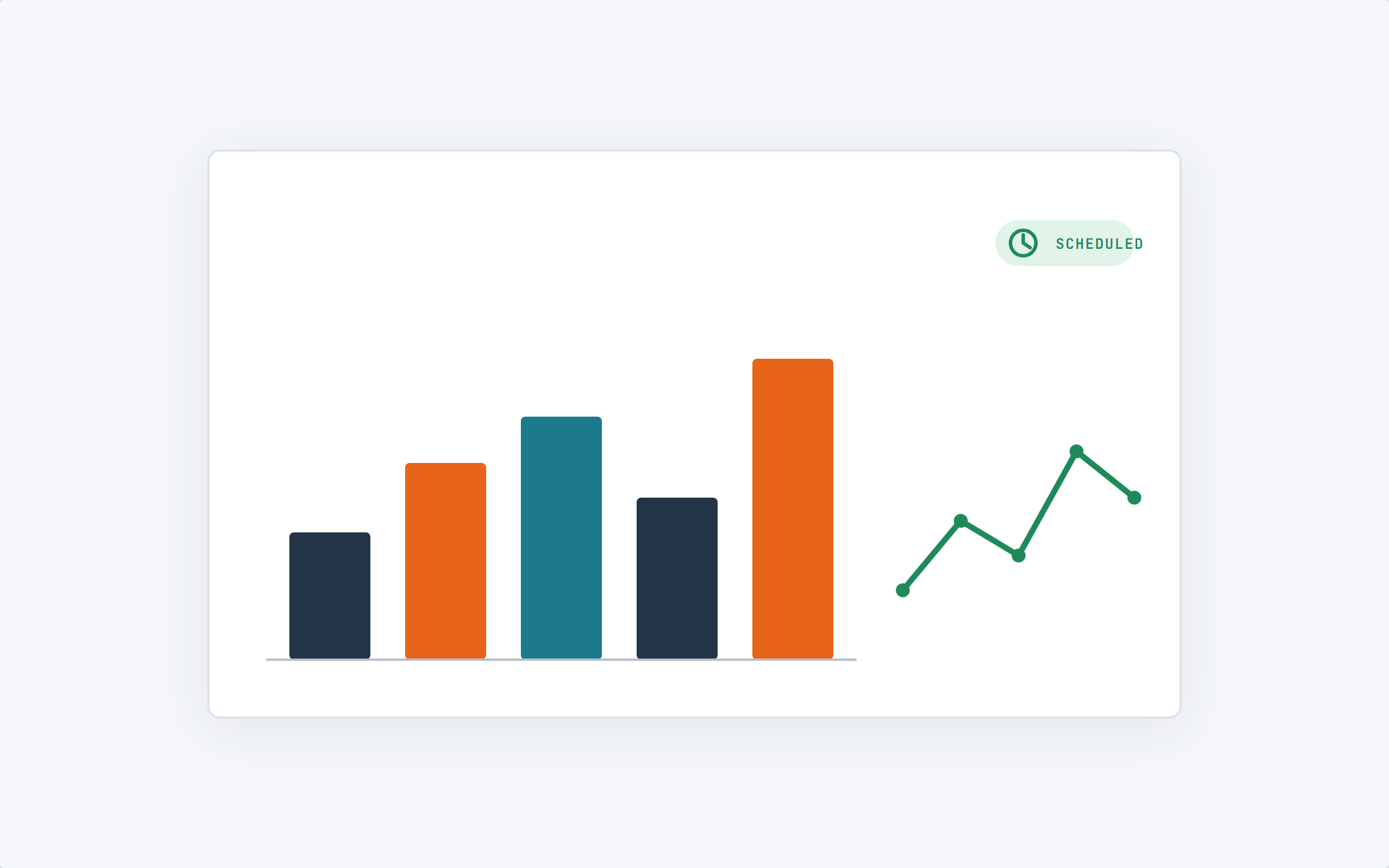
Bar and line charts with a scheduled badge

Nobody pulls it together by hand every month.

The monthly stock report, the jobs-billed summary, the daily digest, the one number the owner actually checks — the watchdog checks the scheduled jobs behind them actually ran, and every report is a click away to view or export.

The watchdog checks the scheduled jobs actually ran, and flags it the moment one doesn't
Draws on everything — stock, jobs, invoicing
View any report, or export it straight to CSV — with a downloads log of who pulled what, and when

What's live today, and what's still ahead.

Live today
View, CSV export & the watchdog

Every report is ready to view, exportable to CSV, and logged in a downloads audit trail. The watchdog checks scheduled jobs and flags the ones that silently didn't run.

On the roadmap
Custom report builder
On the roadmap
User-set scheduling
On the roadmap
Sharing

Blank beats wrong, every time.

Every figure either comes from somewhere real, or comes back blank with the reason why. "Never counted" and "counted, and it's zero" are different facts, and Reporting says which one it is.

Screenshot pending — a report showing an em-dash and its reason, next to figures it could actually derive.

What's on the list today

Job Import — every intake attempt: parsed fields, mapping, AroFlo result
The Warehouse — system vs. counted variance, the cull list, label print status, and the part movement log
Invoice Processor — a point-in-time snapshot of the queue and how each line scored

Pick a number you care about.

We'll show you the report for it live, in the demo.